StowQR for Android.
The QR code home inventory app, now on the phone in your pocket. Snap one photo to catalog a tote, print a label, and find anything in the garage, attic, or storage unit in seconds.

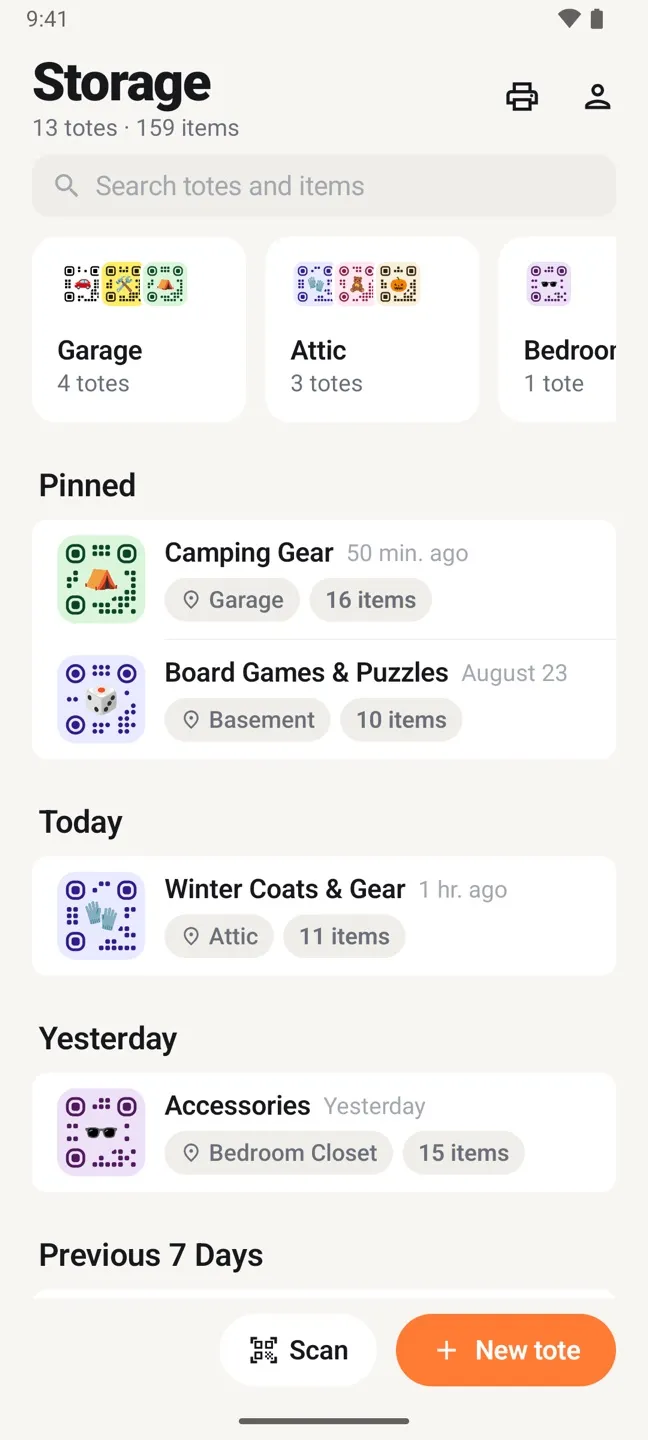
Same totes. Same labels. Same inventory.
StowQR for Android shares one cloud inventory with the iPhone and iPad app, so a household can mix phones and nobody is left out.
Itemify AI cataloging
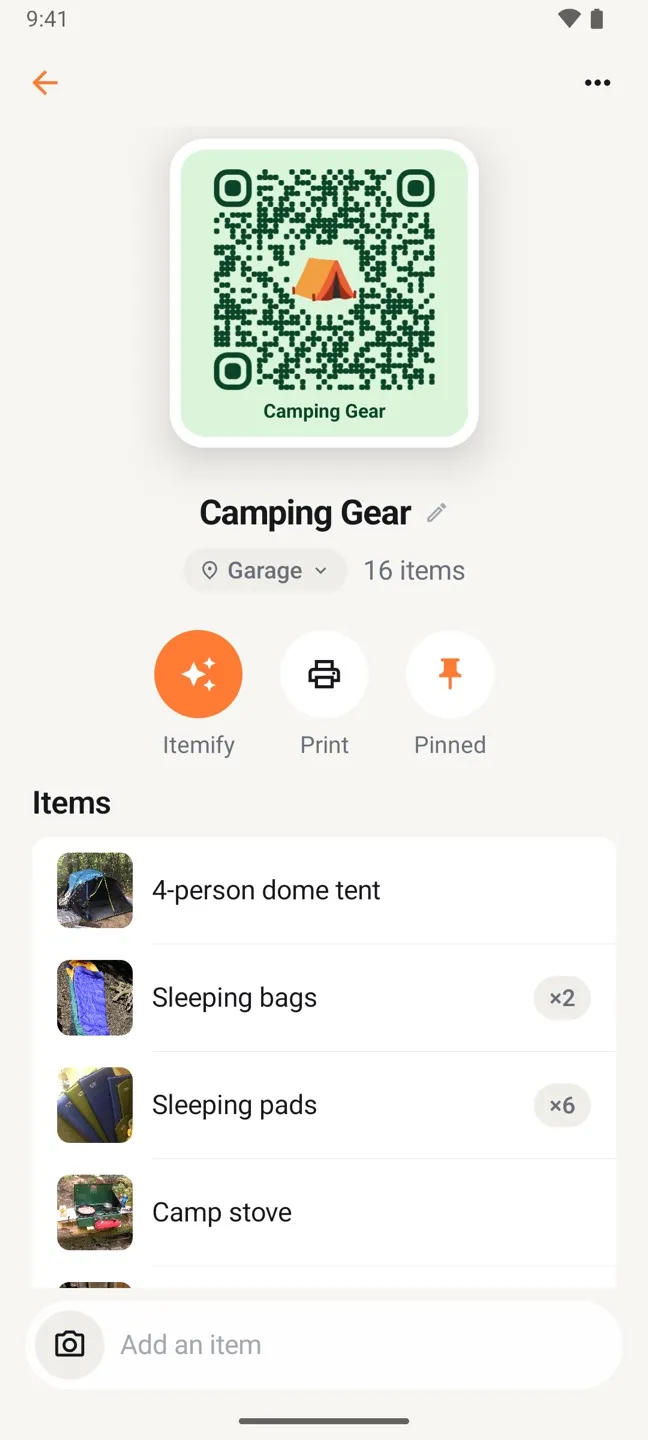
Open a tote, take one photo, and every item inside is named and cropped into its own thumbnail. Review the list, fix anything, save. No typing.
Print-it-yourself QR labels
Design each label with a color, an emoji, and a shape, then print from the Android print dialog to any printer, or save the PDF for later. Plain paper or Avery sheets.
Search and scan
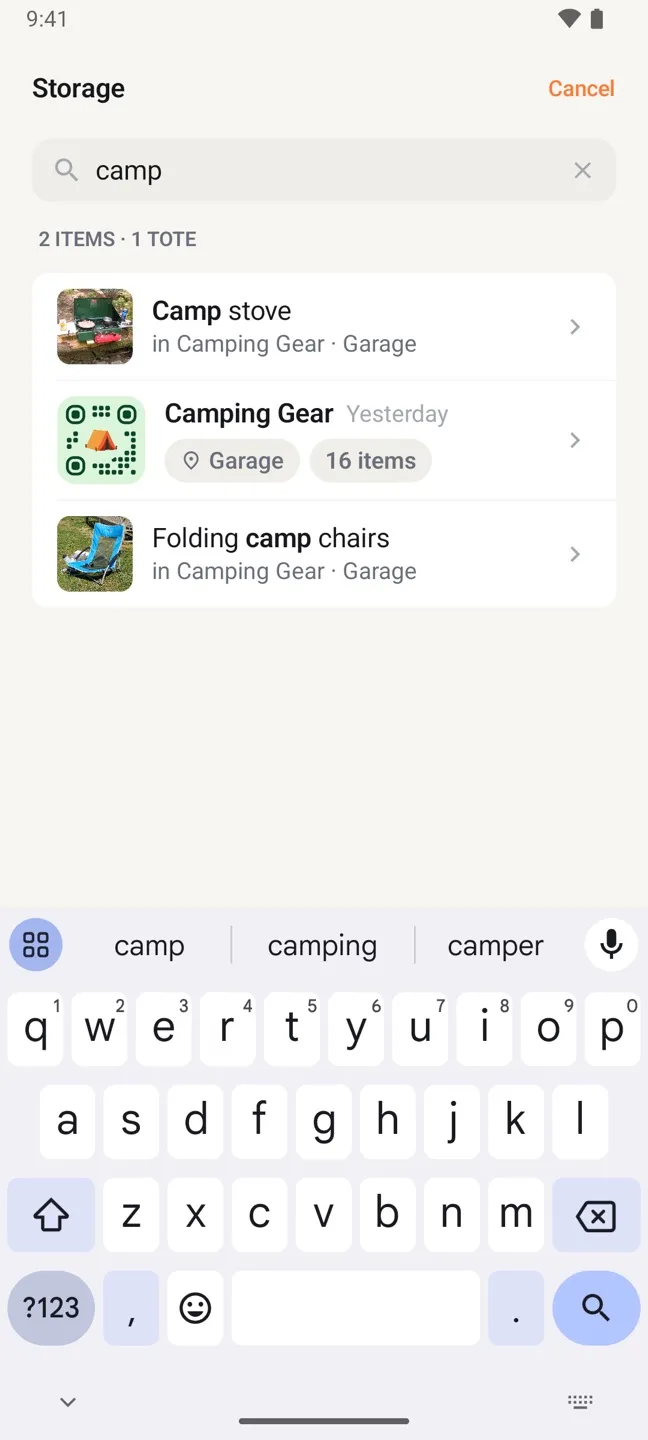
Type a few letters and see which tote holds the thing, and where that tote lives. Or point the camera at a label and the tote opens.
Real-time sync across platforms
Add an item on Android and it is on the family iPad a second later. Export the whole inventory to CSV whenever you want a copy.
The app is built natively for Android with Material 3, follows your system dark mode, and lays itself out for tablets. Read the launch post for the details, or browse the full feature list. On iPhone or iPad? See StowQR for iPhone and iPad.
Android, answered.
Which Android versions does StowQR support?
Does the Android app have the same features as the iPhone app?
Can my family use Android and iPhone together?
How much does StowQR cost on Android?
How do I print QR labels from Android?
Is there a web app?
StowQR in a browser.
Browse, search, and tidy your totes from a laptop, synced live with your phone. Sign in with the account you use in the app.